Getting Started
Protect your first link in under two minutes. No account needed.
Request your access link
Go to Get Access Link and enter your email address. We'll send you a one-time access link within seconds. Click the link in your inbox to open your dashboard.
Add the link you want to protect
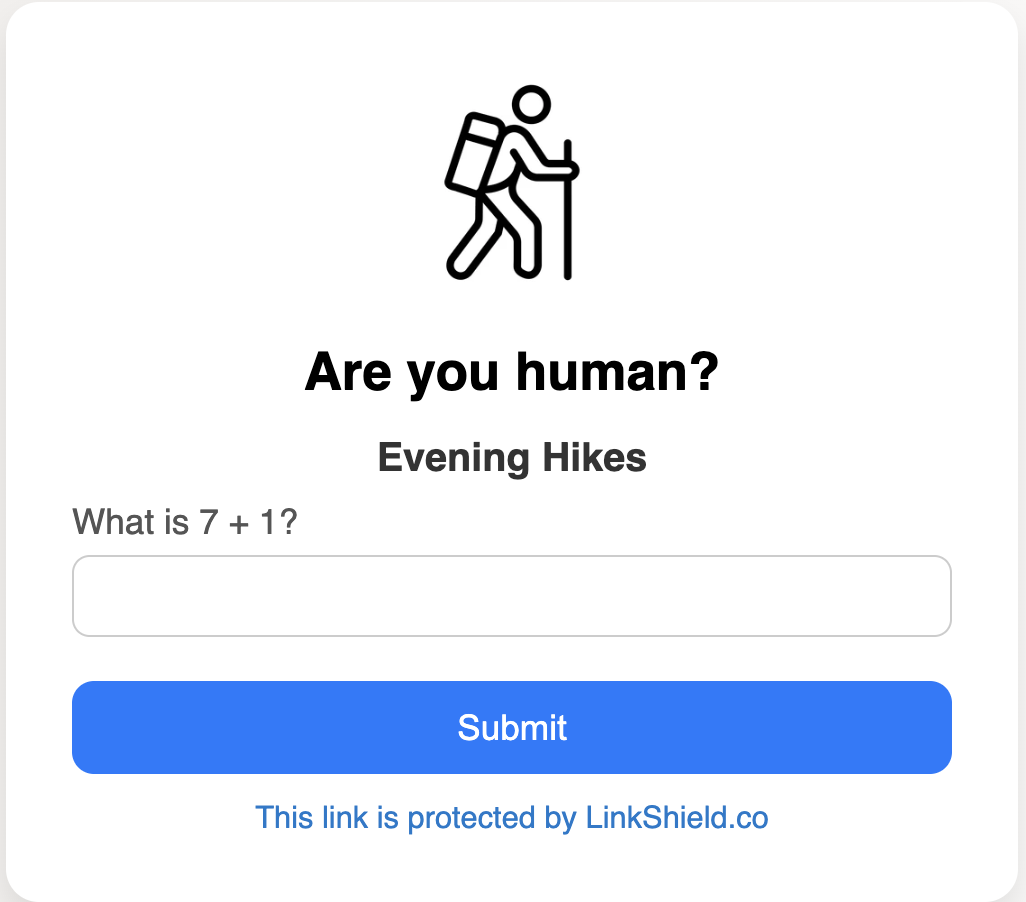
Add the link you want to protect as highlighted. Optionally add a title and logo to personalise the verification screen your visitors see. Click Save link to generate your safe-link.

Share your safe-link publicly
Share your safe-link anywhere — a flyer, newsletter, or social media. Visitors complete a quick human check before reaching your original link.
Safe-links are short and easy to remember. Just note the number (e.g. linkshield.co/51), or download the QR code to share on printed materials.
Have a question? Check the FAQ or contact us.